Discover a reservation tracking guide for charter operators. Learn step-by-step how to automate bookings, manage reservations, and verify operations for optimal efficiency.
Reservation Tracking Guide for Streamlined Operations
Juggling spreadsheets and last-minute calls slows down even the most organized Canadian transportation operator. In an industry where a single missed booking or double dispatch can disrupt schedules and disappoint customers, finding a better way matters. Automated reservation tracking systems with real-time query and cancellation functionalities give operators full control while simplifying every step from booking to dispatch. This guide shows how each automation step transforms complex manual processes into a clear, reliable operation.
Table of Contents
Step 1: Set Up Automated Reservation Tracking Tools
Step 2: Integrate Real-Time Booking And Dispatch Modules
Step 3: Configure Dynamic Pricing And Payment Systems
Step 4: Monitor And Verify Reservation Accuracy
Quick Summary
Key Point | Explanation |
|---|---|
1. Automate Reservation Tracking | Implementing a system for automated reservation tracking enhances efficiency and reduces errors by providing real-time updates on bookings and statuses. |
2. Integrate Booking with Dispatch | Seamless integration between booking and dispatch software ensures accurate vehicle assignments and prevents overbooking, improving operational flow. |
3. Use Dynamic Pricing | Dynamic pricing adjusts rates based on demand and factors, maximizing revenue opportunities during peak periods and managing inventory effectively. |
4. Monitor Reservation Accuracy | Regularly checking reservations against actual capacities and transactions builds customer trust and prevents operational mishaps. |
Step 1: Set up automated reservation tracking tools
Automated reservation tracking eliminates the chaos of spreadsheets and phone calls. You’ll set up a system that captures every booking, tracks its status in real-time, and communicates updates to your team instantly.
Start by choosing a platform designed for transportation operations. Look for one that offers real-time query and cancellation functionalities to keep your reservations accurate and current. The system should allow administrators to configure resources dynamically so you can adjust pricing, vehicle availability, and capacity on the fly.
Define your tracking requirements first:
Customer contact information and booking source
Vehicle type, date, and time requirements
Passenger count and special requests
Payment status and confirmation status
Driver assignment and trip notes
Once you’ve identified your needs, connect the platform to your website. Modern systems support mobile and internet-based tools that give customers instant access to their reservation status while giving you complete visibility into every booking.
Next, configure automated notifications. When a booking arrives, your system should instantly confirm it with the customer, alert your dispatch team, and log it in your financial records. This eliminates manual data entry and reduces booking errors dramatically.
Test your system with sample bookings before going live. Verify that status updates flow correctly, confirmations send automatically, and your team can access critical information without confusion.
Automated tracking systems that provide real-time updates and management of reservation data transform how you allocate resources and respond to changes.
Pro tip: Set your system to automatically flag high-value bookings or those with special requirements so your team prioritizes them immediately upon confirmation.
Step 2: Integrate real-time booking and dispatch modules
Integrating booking and dispatch creates a seamless connection between what customers reserve and what your drivers execute. When these systems talk to each other, your operation runs like clockwork instead of chaos.

Start by mapping how your current booking process flows. When a customer books, what information does your dispatch team need immediately? Vehicle availability, route details, passenger count, pickup location. Your integration should push this data automatically to your dispatch module without manual handoffs.
Connect your core systems through these steps:
Link your booking platform to your dispatch software so reservations appear in real-time
Configure automatic vehicle assignment based on availability and location
Set up instant notifications that alert drivers when they’re assigned a trip
Enable two-way updates so dispatch changes reflect back in the booking system
Your system needs sophisticated concurrency control and fast route planning to handle multiple bookings arriving simultaneously. This prevents overbooking and ensures customers get accurate confirmation times.
Next, implement real-time availability updates. When a booking confirms, vehicle capacity should decrease instantly across all channels. If dispatch reassigns a vehicle, that change updates everywhere at once. This eliminates the nightmare of overselling.
Test the integration with live bookings during off-peak hours first. Watch how quickly reservations flow to dispatch, verify driver notifications arrive, and confirm that cancellations reverse availability instantly.
Successful integrations use database design and operational flows that allow users to book, modify, or cancel reservations with immediate updates across your entire system.
When automated quoting and real-time dispatch work together, you eliminate manual coordination entirely.
Pro tip: Set your system to automatically reassign trips if a driver becomes unavailable, notifying affected customers within minutes so they never experience surprise cancellations.
Step 3: Configure dynamic pricing and payment systems
Dynamic pricing turns your reservation system into a revenue optimizer. Instead of static rates, your prices adjust automatically based on demand, vehicle availability, and market conditions—capturing more revenue during peak periods and filling seats during slow times.
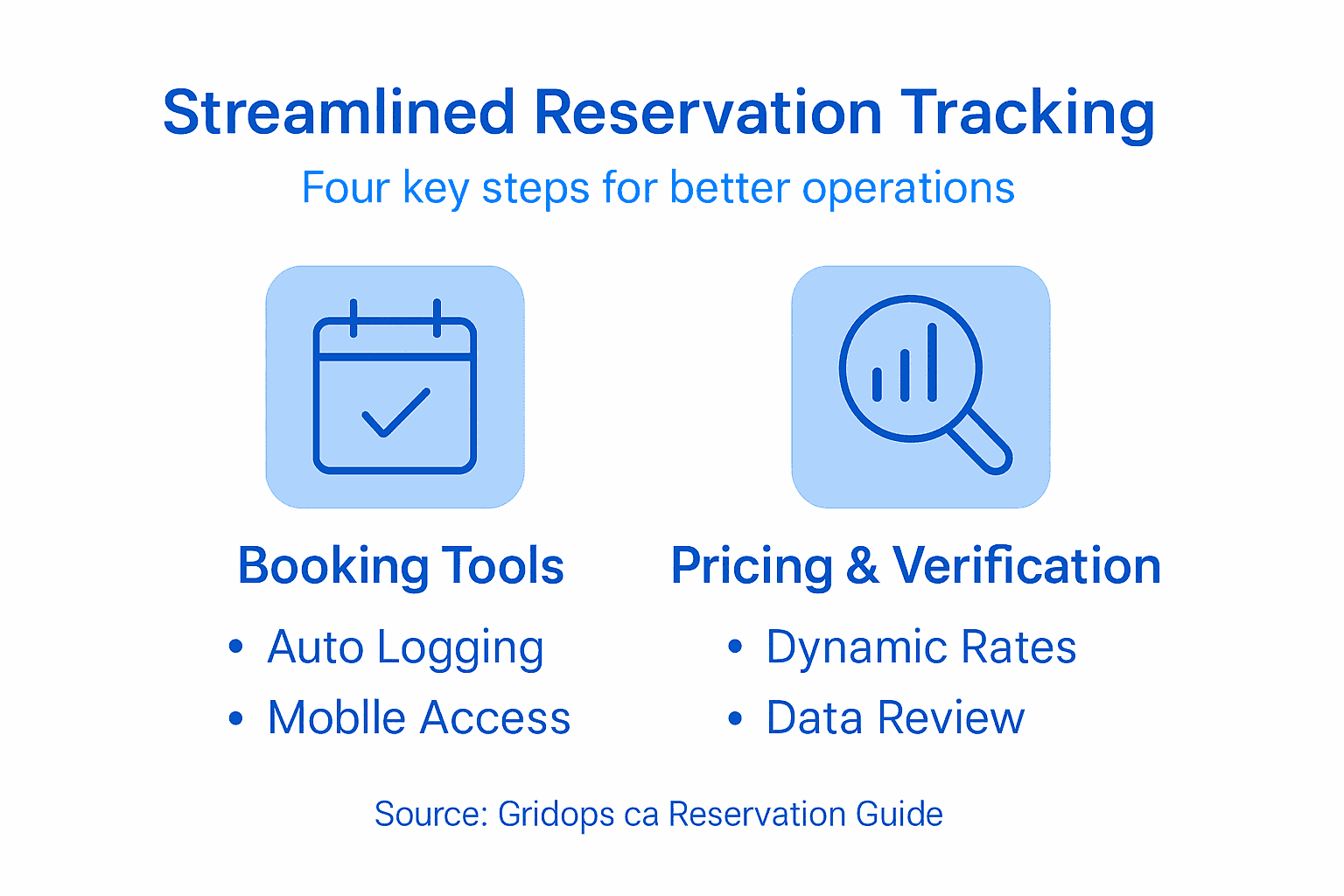
Start by identifying your pricing variables. What factors should influence your rates? Booking lead time, day of week, season, vehicle type, route distance, passenger count. Your system should calculate prices instantly based on these factors without manual intervention.
Set up your pricing parameters:
Base rates for each vehicle class and route
Demand multipliers for peak travel times
Advance booking discounts to encourage early reservations
Last-minute premium pricing for late bookings
Capacity-based adjustments that increase prices as availability shrinks
Your system needs the ability to adjust prices in response to inventory levels and customer demand automatically. This means when you have only two seats left on a Friday evening charter, your system raises the price without you lifting a finger.
Next, configure your payment processing. Connect your system to secure credit card processing so customers pay instantly at booking. No invoices, no follow-ups, no guessing whether payment arrived. The transaction completes immediately and deposits to your account.
Integration with online learning frameworks that adjust service fees based on real-time customer data means your pricing becomes smarter over time. The system learns which prices work best during different conditions and optimizes continuously.
Test your pricing logic with sample bookings across different scenarios. Book during high demand, low demand, last minute, and advance. Verify prices calculate correctly and payments process without errors.
Dynamic pricing systems that automate adjustments based on real-time data can increase your revenue by 15 to 25 percent compared to fixed pricing.
Pro tip: Set price floors so your system never undercuts your minimum acceptable rate, even during slow periods when it’s tempting to drop prices too low.
Step 4: Monitor and verify reservation accuracy
Accuracy is where automation proves its worth. Your reservation system must continuously verify that bookings match your actual capacity, that payments processed correctly, and that no data slipped through the cracks. One bad booking ruins your entire operation.
Start by accessing your system’s real-time monitoring dashboard. This is your command center. You should see every active reservation, its status, payment confirmation, and vehicle assignment at a glance. If something looks wrong, you spot it immediately instead of discovering it when your driver arrives.
Check these critical data points daily:
Total reservations versus available vehicle capacity
Confirmed versus pending bookings
Successful versus failed payment transactions
Double bookings or conflicting vehicle assignments
Cancellations and their refund status
Your system should maintain status tracking for confirmed, pending, and canceled reservations with complete transaction logging. This creates an audit trail you can review anytime a discrepancy arises.
Compare your reservation data against actual trips completed. Did every reservation that was marked confirmed actually happen? Did cancellations process correctly? These cross-checks catch errors before they become costly mistakes.
Implement real-time monitoring and statistical analysis features that flag anomalies automatically. Your system should alert you when something looks unusual, like multiple bookings for the same vehicle at overlapping times or a payment that processed twice.
Review customer feedback and disputed charges weekly. Customers often catch errors your system missed. Their complaints are data telling you where your verification process needs strengthening.
A well-designed verification process reduces costly errors and builds customer trust because passengers know your records are accurate.
Pro tip: Run a weekly accuracy report that compares your reservation system data against your accounting records and dispatch logs, catching discrepancies before they pile up.
Compare the main types of reservation system automation and their business advantages:
Automation Type | Key Functionality | Business Advantage |
|---|---|---|
Real-Time Tracking | Instant booking updates | Keeps operations current and accurate |
Dispatch Integration | Live vehicle assignment | Enables efficient scheduling and quick responses |
Dynamic Pricing | Responsive rate changes | Grows revenue during peak demand |
Automated Payments | Immediate processing | Improves cash flow and customer experience |
Here’s a quick summary of how each automation step enhances your reservation workflow:
Step | Core Benefit | Operational Impact |
|---|---|---|
Automated Tracking | Real-time booking visibility | Reduces manual errors, improves team coordination |
Booking & Dispatch Integration | Seamless data flow | Prevents overbooking and speeds up dispatch |
Dynamic Pricing & Payments | Revenue optimization | Maximizes profit, streamlines payment collection |
Monitoring & Verification | Continuous accuracy checks | Builds trust and prevents costly mistakes |
Transform Your Reservation Tracking with Intelligent Automation
Managing charter and private transportation reservations involves challenges like real-time tracking, dynamic pricing, and flawless dispatch integration to avoid costly errors and overbooking. If you want to eliminate manual hassles such as spreadsheets and phone calls while boosting operational efficiency and revenue, the solution discussed in this article aligns perfectly with what Gridops.ca offers.
Our Canadian-based SaaS platform empowers transportation providers to capture every booking instantly with automated reservation tracking and real-time updates. Featuring dynamic pricing tools and secure payment processing, we help you maximize profits while enhancing customer satisfaction. Experience seamless integration between bookings and dispatch that prevents conflicts and keeps your fleet running smoothly.

Ready to take control of your reservations and transform your operations? Discover how Gridops.ca can automate your booking workflow with intelligent tools designed specifically for charter operators. Visit us today to start your journey toward streamlined efficiency and increased profitability.
Frequently Asked Questions
How can I set up automated reservation tracking?
Start by selecting a platform that offers real-time tracking, cancellation functionalities, and dynamic resource configuration. Define your tracking requirements, such as customer contact information and payment status, then connect the platform to your website for immediate updates.
What are the benefits of integrating booking and dispatch systems?
Integrating these systems allows for seamless communication between customer reservations and driver assignments. This connection prevents overbooking and ensures that dispatch receives all relevant booking information automatically, improving operational efficiency.
How does dynamic pricing work in reservation systems?
Dynamic pricing adjusts your rates based on various factors such as demand and vehicle availability. Set parameters for base rates, demand multipliers, and discounts to maximize your revenue and fill capacity more effectively.
What critical data points should I monitor for reservation accuracy?
Focus on tracking total reservations against available vehicle capacity, successful versus failed payment transactions, and any instances of double bookings. Regularly check these data points to ensure your operations run smoothly and to build customer trust.
How can I test my reservation tracking system before going live?
Conduct tests with sample bookings during off-peak hours to verify that all system functionalities work correctly. Ensure that booking status updates flow seamlessly, confirmations send automatically, and your team can access essential information easily.
What steps can I take to improve the accuracy of my reservation system?
Implement real-time monitoring tools to check for discrepancies between reservation data and actual trips completed. Review customer feedback weekly to identify areas for improvement and ensure your verification process captures errors before they lead to operational issues.
Recommended